Progress
Completion and best result
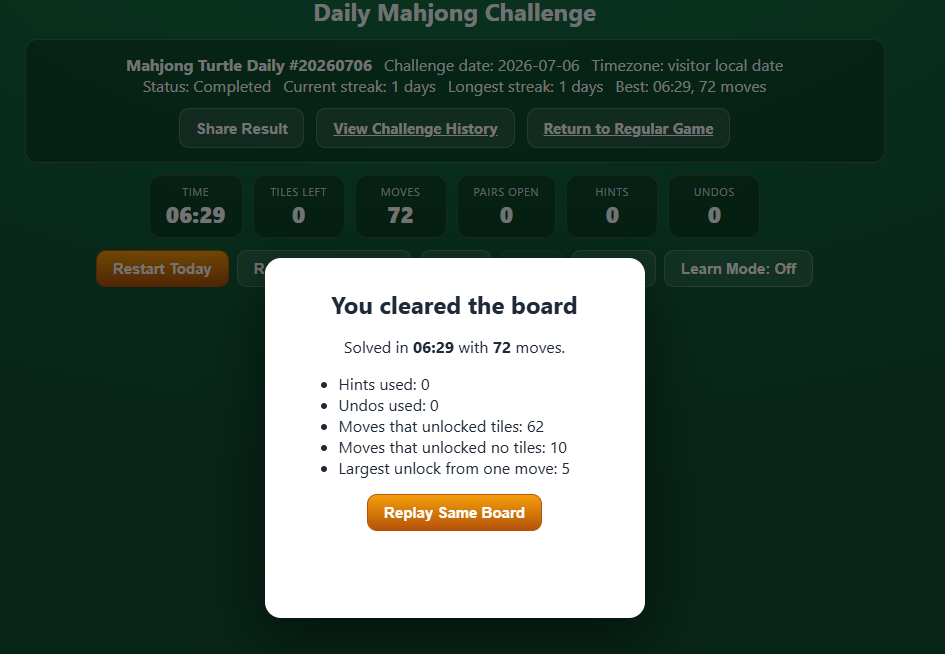
Local storage records completed dates and the best recorded time and move count, together with hints and undos used. Clearing site data or using another browser can remove or separate that history.
One date. One starting board.
Return to a consistent Turtle board for your local date, compare a new move order on a replay, and keep your challenge record in this browser.
How today’s board is chosen
Mahjong Turtle reads the calendar date reported by your device. That local date is used to select the Daily Challenge, so the date changes at midnight in your device’s configured local timezone, rather than at one worldwide reset time.
A particular date always produces the same initial Turtle board. Restarting that date or opening its historical replay restores the same starting arrangement, which makes it possible to reconsider your choices without receiving a different deal.
The playable board and challenge history require JavaScript.
The guide above remains available, including how the board is selected and what the initial generation guarantee means.
Private by default
No account is needed for the challenge record. The browser stores the information used to show your status and history on this device.
Progress
Local storage records completed dates and the best recorded time and move count, together with hints and undos used. Clearing site data or using another browser can remove or separate that history.
Continuity
Completing consecutive current-date challenges builds the displayed streak. The Daily history lists records found in this browser and opens earlier dates for replay. Completing a historical replay does not rewrite the current streak.
Sharing
Share Result includes the challenge identifier, completion status, recorded result, streak, and challenge link. It does not include the hidden board data, tile identities, removal order, or a solution path.
Practice with context
Learn Mode works on Daily boards as it does in the regular game. It can explain why a tile is blocked and identify tiles opened by a move. It supports practice on the current position without revealing a seed, a prepared removal order, or the complete solution.